
Allows loading firmware.bin directly from the SD card
*** WARNING: THIS SOFTWARE IS AN BETA VERSION ***
DEVELOPED BY FERNANDO GARCIA "FG1998"
github.com/fg1998
v0.7.0b
1. Flash this firmware to your ESP32 board (tested with TTGO ESP32VGA).
2. On the next boot, the Bootloader will look for two files on your SD card:
firmware.bin and version.txt.
3. If found, firmware.bin will be automatically written to the ESP32 flash memory.
4. On subsequent boots, the firmware installed from the SD card will run automatically. This will continue until the bootloader detects an SD card containing a different firmware.bin and version.txt.
5. The version.txt file must contain only a single line of text with the software version, for example:
1.4.1.
6. If you prefer to use only one card with multiple emulators, place the firmware.bin and version.txt files inside folders in the SD card root directory (e.g. /MSX, /Spectrum, etc.), but don't forget not to leave any firmware.bin or version.txt files in the root of the card!
7. If you choose to use only one card, a menu will be displayed so you can choose which emulator you want to run. If there is already an emulator previously written to the ESP32 Flash memory, a * will be displayed before its name
8. On the
GitHub page,
you can find emulators and software ready to run with the bootloader.
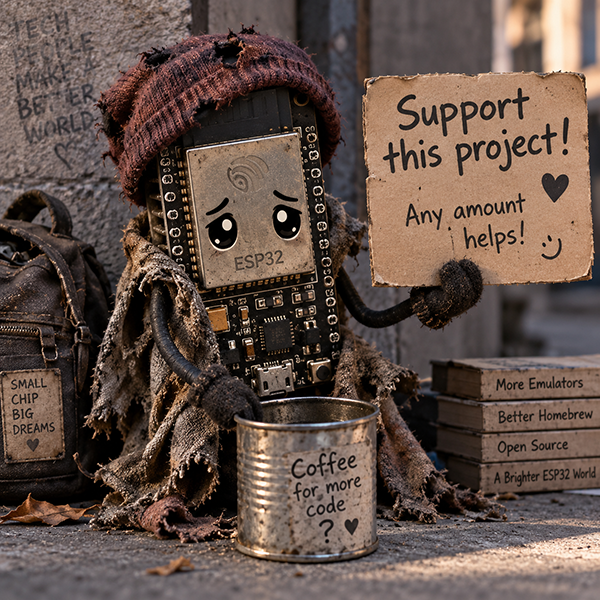
9. If you enjoy this software and would like to support its development, please consider becoming a sponsor on GitHub
using this link.
10. Questions? Send me a message at fg1998@gmail.com